Staff Scheduling just got a lot more powerful
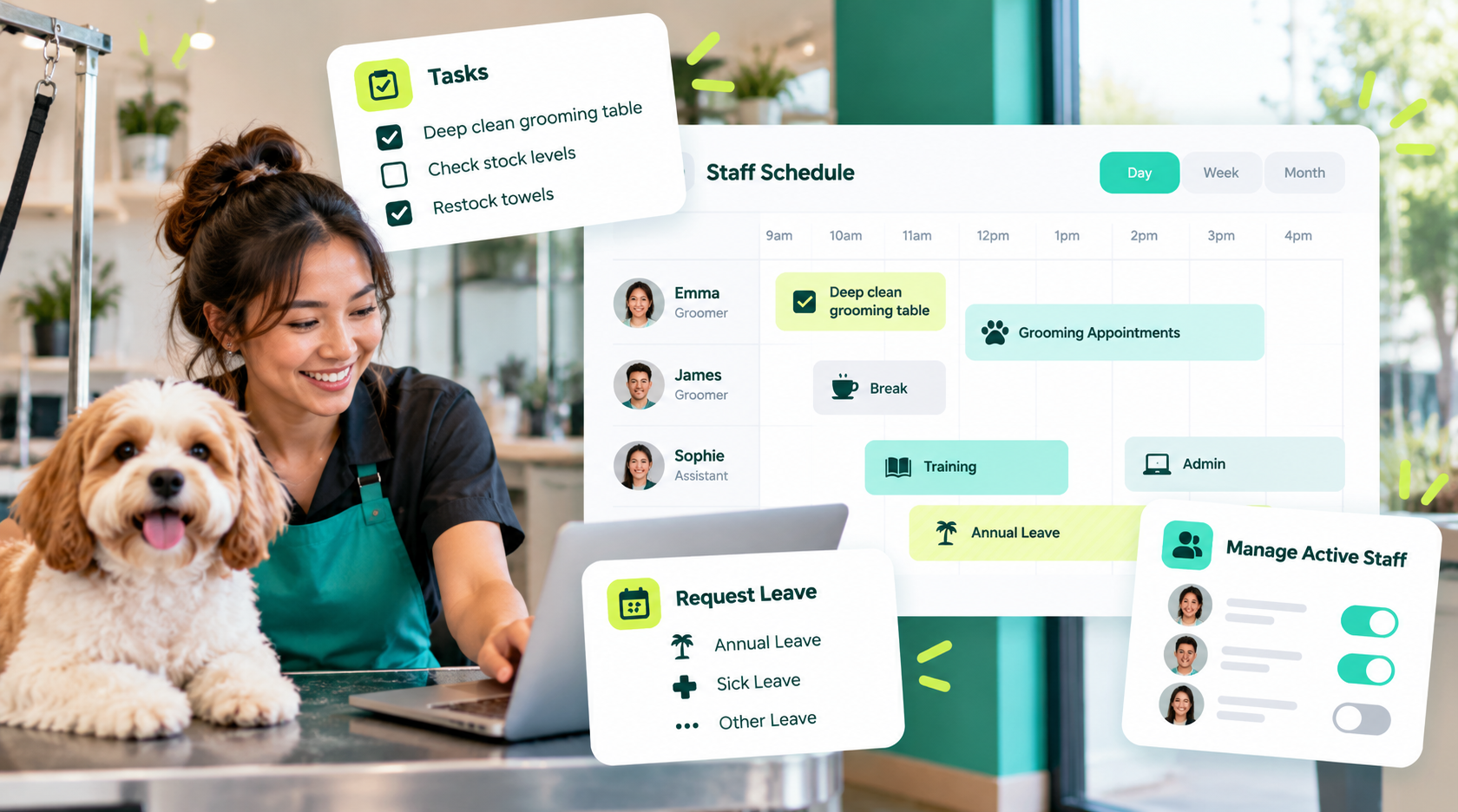
New: Tasks & Block Time Assign one-off or recurring checklist-style tasks to any staff member (e.g. "Deep clean grooming table 🧼"), and block out recurring chunks of time — breaks, training, admin — separately from leave. Everything shows up right on the staff calendar, can be edited or deleted anytime, and the Day view now uses the same clean time-grid layout as your grooming appointments calendar.
New: Request Leave from Scheduling No more hopping between pages — submit annual, sick, time-off, or other leave requests directly from the staff scheduling calendar. It flows into the same approval process you already use.
New: Manage Active Staff Admins can now mark staff active or inactive right from the scheduling page — no need to dig into staff settings.
✂️ Grooming Services: custom categories
You can now add, rename, or delete your own service categories when creating or editing a grooming service — no more being stuck with just "General" and "Add-on Services."
🏠 Dashboard: a real task list
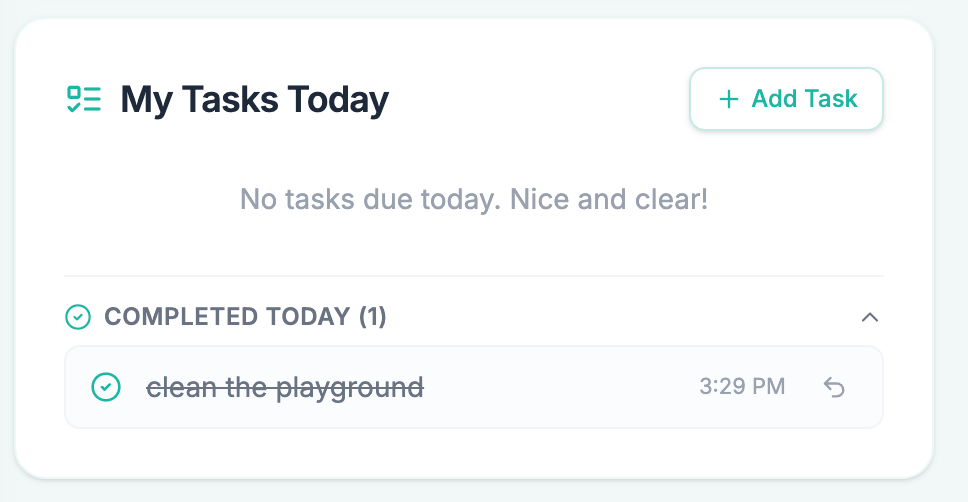
The "My Tasks" card is now always on your dashboard — add a task straight from there, check off what's done, and glance at a Completed Today section (with one-click undo) to see what the team knocked out.