Changelog

Follow new updates and improvements to GOPET AI.

Staff Scheduling just got a lot more powerful
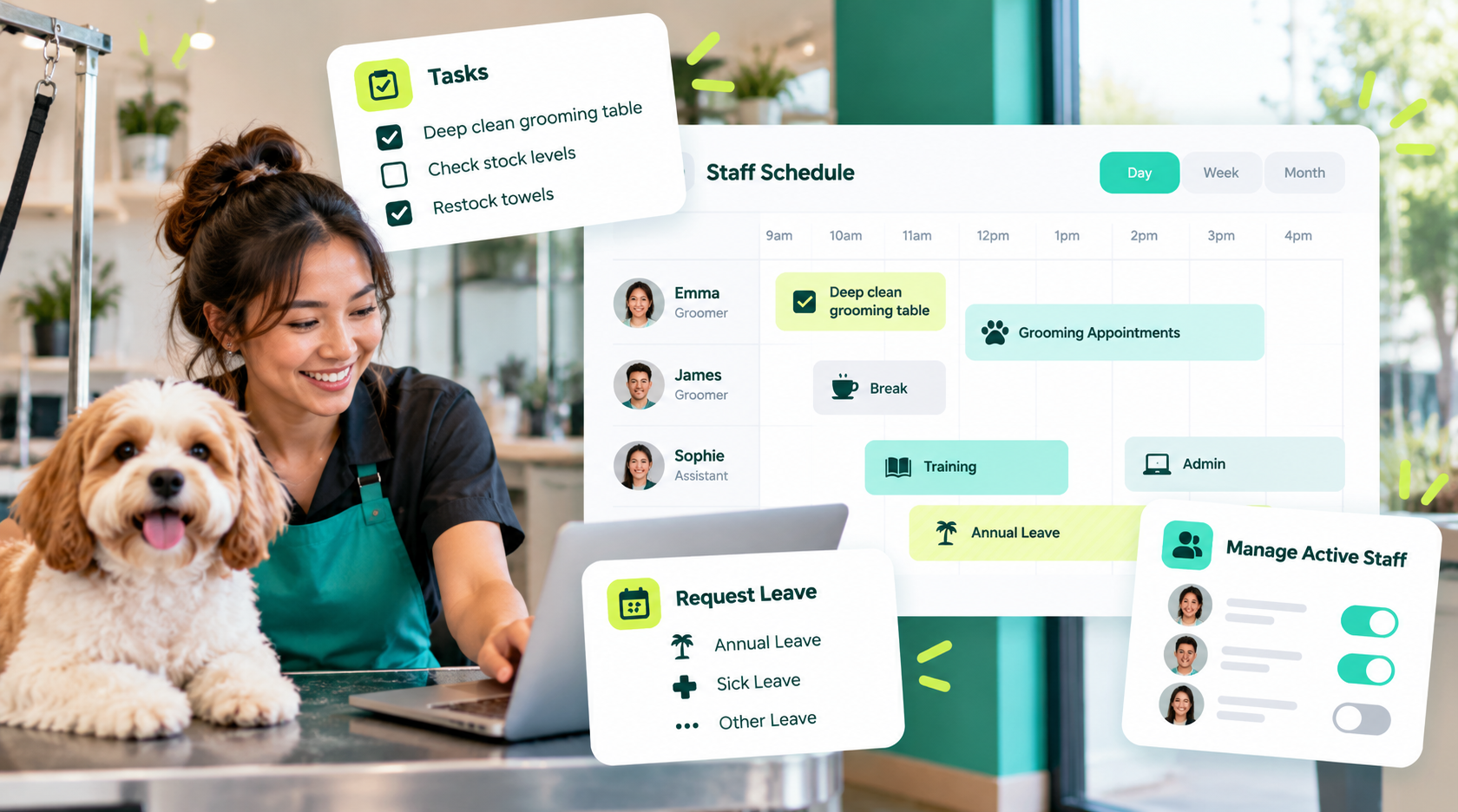
New: Tasks & Block Time Assign one-off or recurring checklist-style tasks to any staff member (e.g. "Deep clean grooming table 🧼"), and block out recurring chunks of time — breaks, training, admin — separately from leave. Everything shows up right on the staff calendar, can be edited or deleted anytime, and the Day view now uses the same clean time-grid layout as your grooming appointments calendar.

New: Request Leave from Scheduling No more hopping between pages — submit annual, sick, time-off, or other leave requests directly from the staff scheduling calendar. It flows into the same approval process you already use.

New: Manage Active Staff Admins can now mark staff active or inactive right from the scheduling page — no need to dig into staff settings.

✂️ Grooming Services: custom categories

You can now add, rename, or delete your own service categories when creating or editing a grooming service — no more being stuck with just "General" and "Add-on Services."

🏠 Dashboard: a real task list

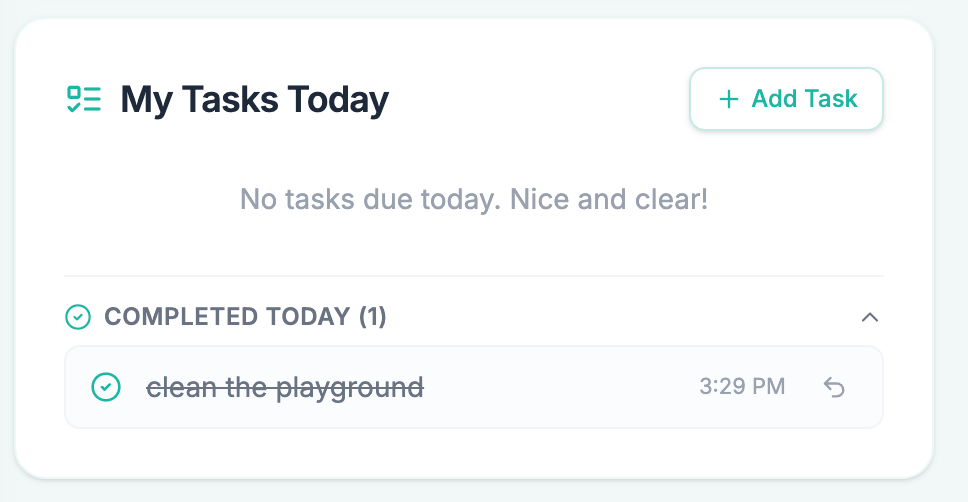
The "My Tasks" card is now always on your dashboard — add a task straight from there, check off what's done, and glance at a Completed Today section (with one-click undo) to see what the team knocked out.
Improved

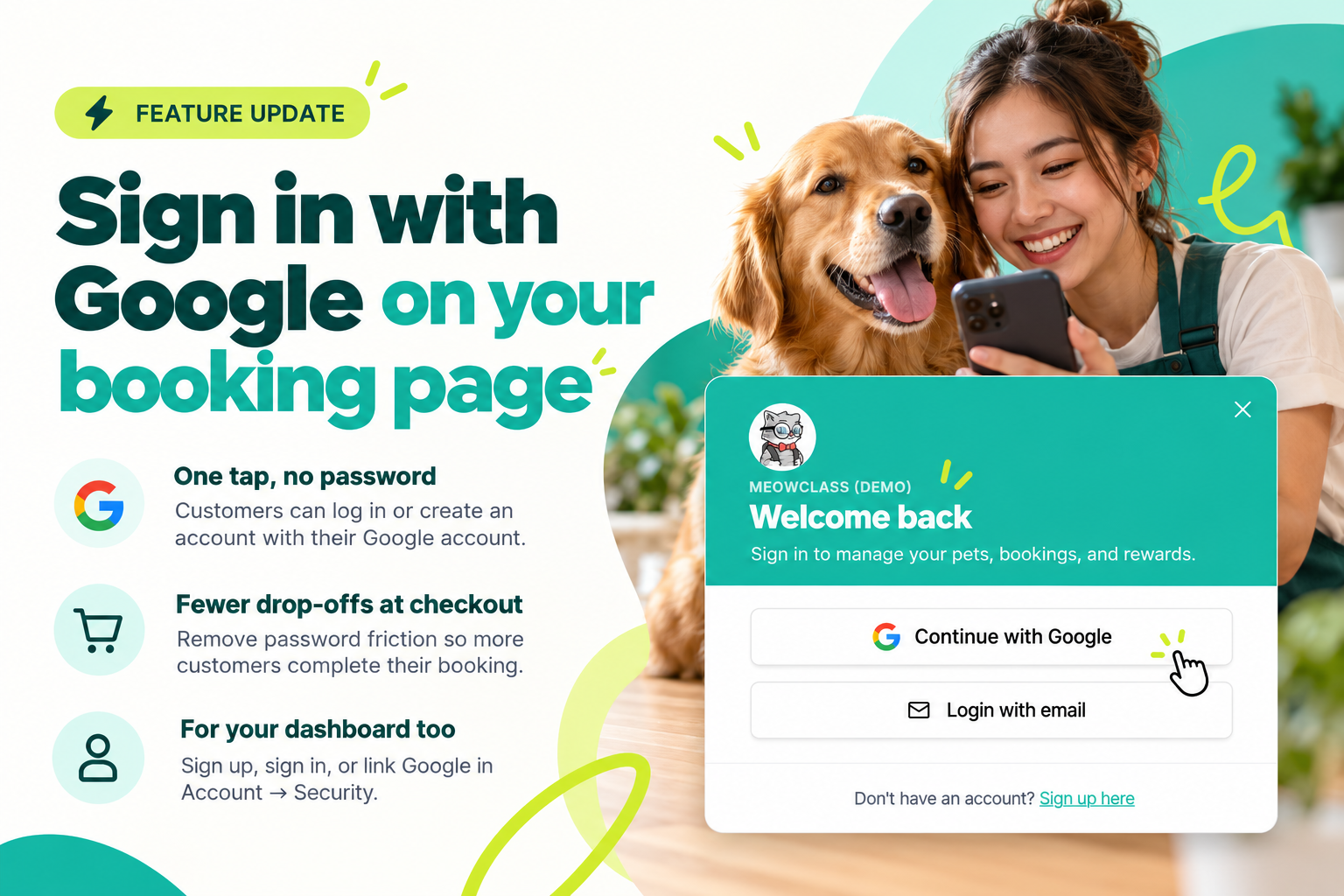
We improved your customers' login experience via Google Login

Booking should be effortless for your customers — so we made signing in faster and easier on your booking page.

Sign in with Google, one tap Your customers can now log in or create an account on your booking page using their Google account — no password to create, no password to forget. It's the same fast, familiar sign-in they already use everywhere else.

Fewer drop-offs at checkout A forgotten password is one of the top reasons customers abandon a booking. Google sign-in removes that friction entirely, so more of your customers make it all the way through to booking with you.

You get it too Signing in to your own GoPet AI dashboard now supports Google as well — sign up, sign in, or link Google to your existing account from Account → Security.

Nothing to set up on your end — this is live on your booking page right now.

Improved

Drag-and-drop rescheduling for Boarding & Grooming

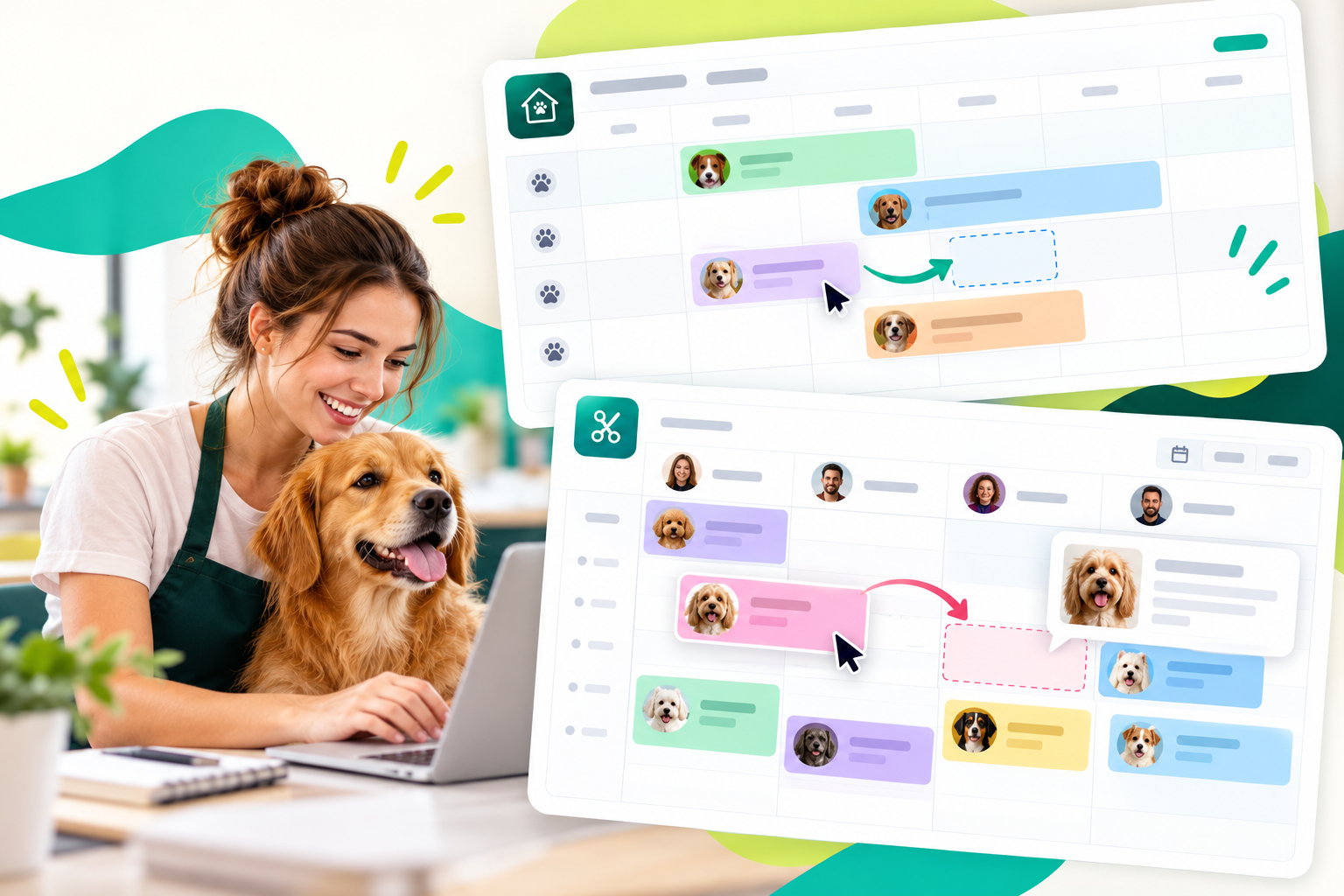
Rescheduling just got a lot faster. You can now drag appointments and bookings straight on the calendar instead of opening a form every time.

Boarding calendar

  • Drag a booking to a different room or date to move it — we'll ask you to confirm before anything changes.

Grooming calendar

  • Drag an appointment to a different groomer, date, or time slot (Day and Week views) to reschedule it — same confirm-before-you-commit safety net.

  • On the Month view, drag an appointment to a different day to move it.

  • We'll warn you if the move would double-book a groomer, so you can catch conflicts before they happen.

  • Groomer columns now show each staff member's profile photo, so it's easier to scan who's who at a glance.

  • Hover over any appointment to preview the pet, owner, service, and time — no need to click in for a quick look.

Improved

Earlier updates