Changelog

Follow new updates and improvements to GOPET AI.

Dog Daycare — with pricing by size
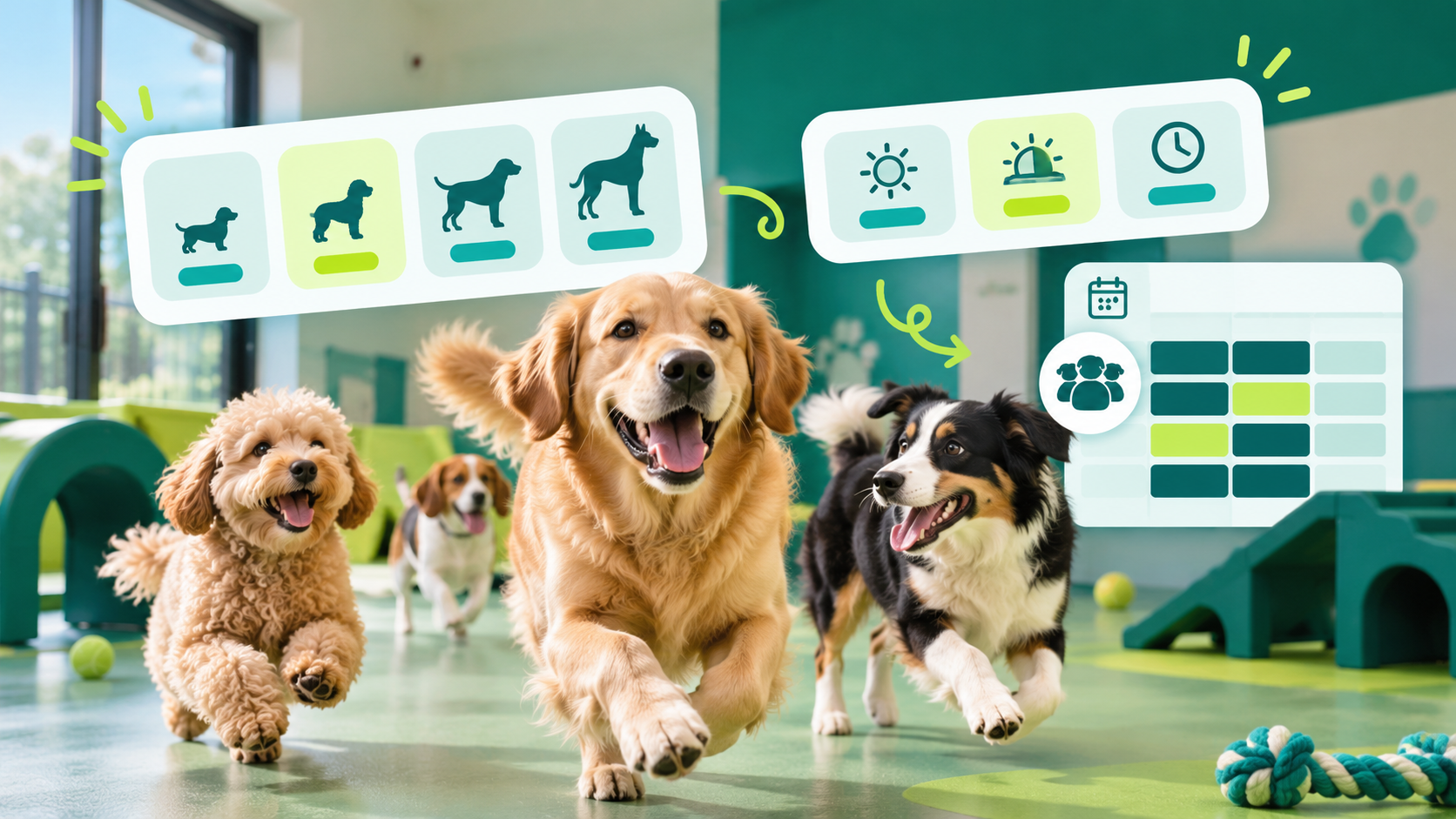
You can now run dog daycare right alongside boarding, with its own pricing and scheduling:
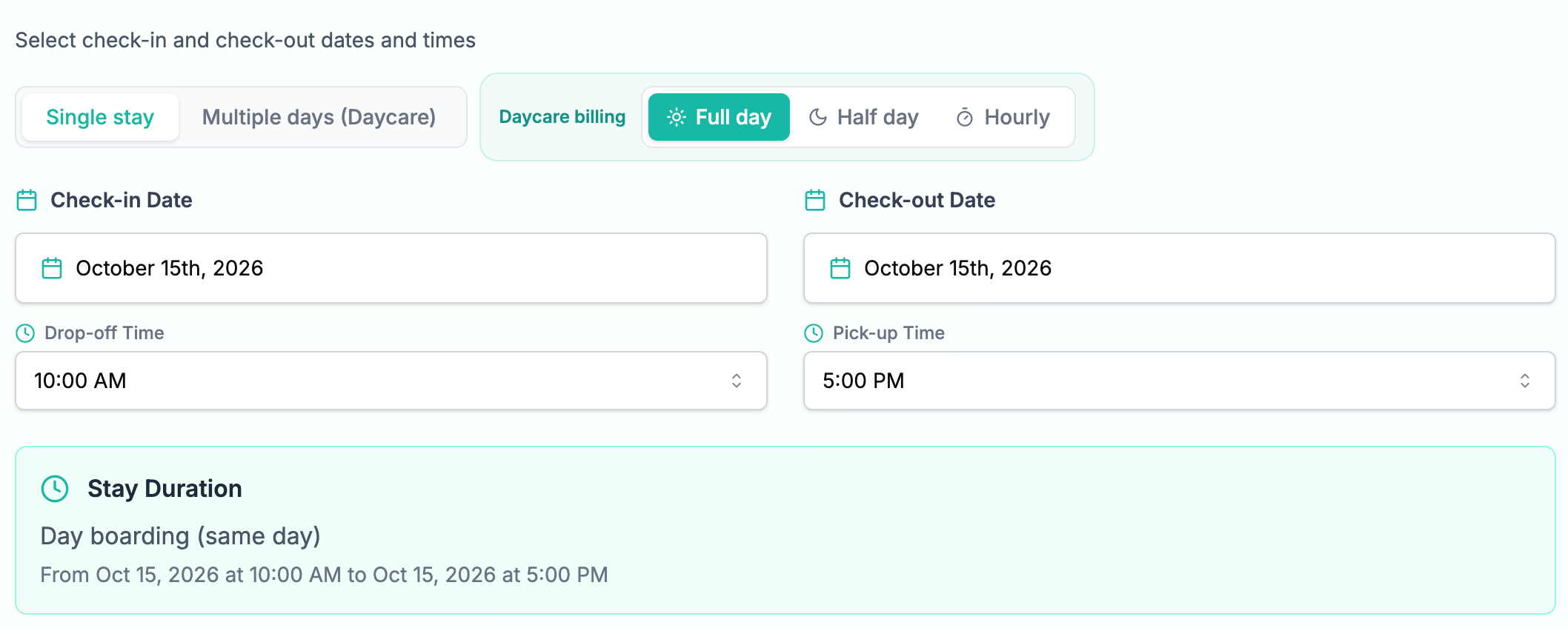
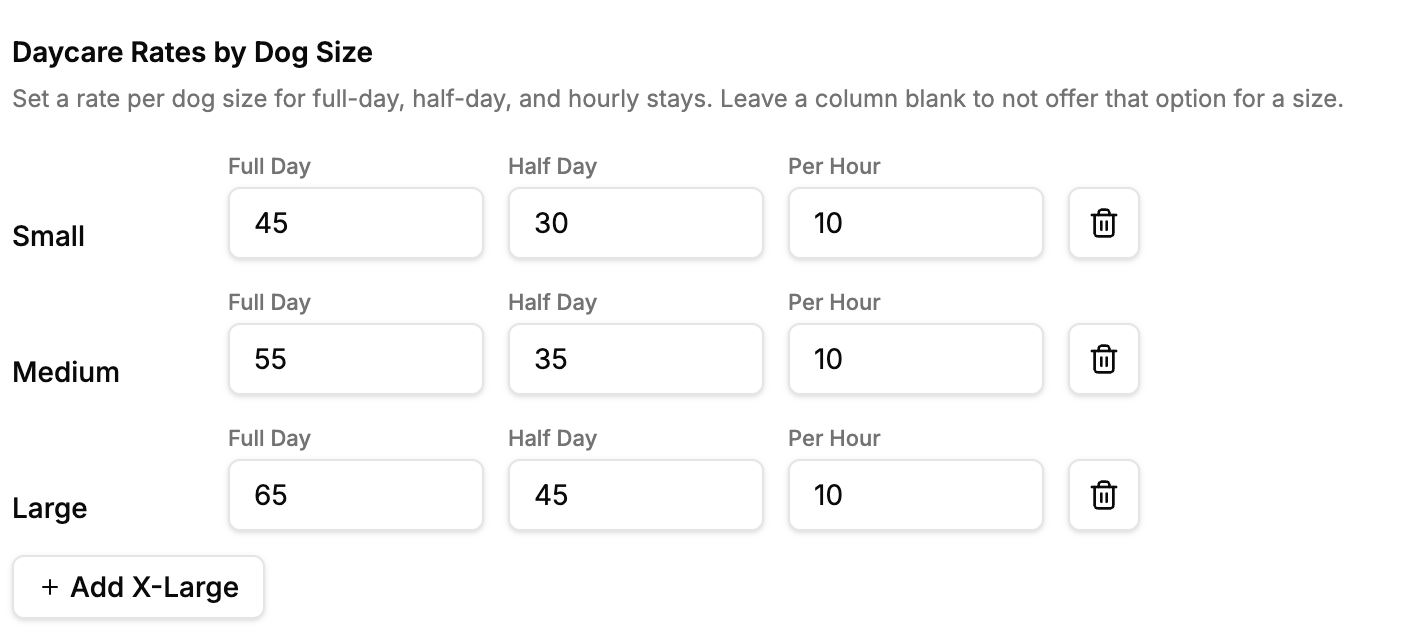
  • Size-based rates — set a different rate for Small, Medium, Large, and X-Large dogs, so pricing reflects the dog, not just a flat room fee.

  • Full day, Half day, or Hourly billing — offer whichever options make sense for your daycare, and let pet parents pick at booking time. Pick-up time is suggested automatically when Half day is selected.

  • Shared daycare spaces — a daycare room now works the way daycare actually does: multiple dogs (even from different families) can share the same space up to its capacity, instead of being blocked out for one booking.

  • Its own booking flow — daycare shows up as a dedicated service on your public booking page, separate from overnight boarding, with full pricing shown by size before a pet parent commits.
🔧 Improved

  • Pricing now resolves the same way everywhere — the staff booking wizard, invoicing, and the public booking page all quote the same size-based total, and that total stays accurate as pets, sizes, or rooms change mid-booking.
New

See who's in your account, and know when a customer email doesn't land

Running a pet care business means trusting a lot of moving parts — staff logins, password resets, and every automated email GoPet AI sends on your behalf. Until now, if something felt off, there was no easy way to check. Not anymore.

🗂️ New: Log Activity

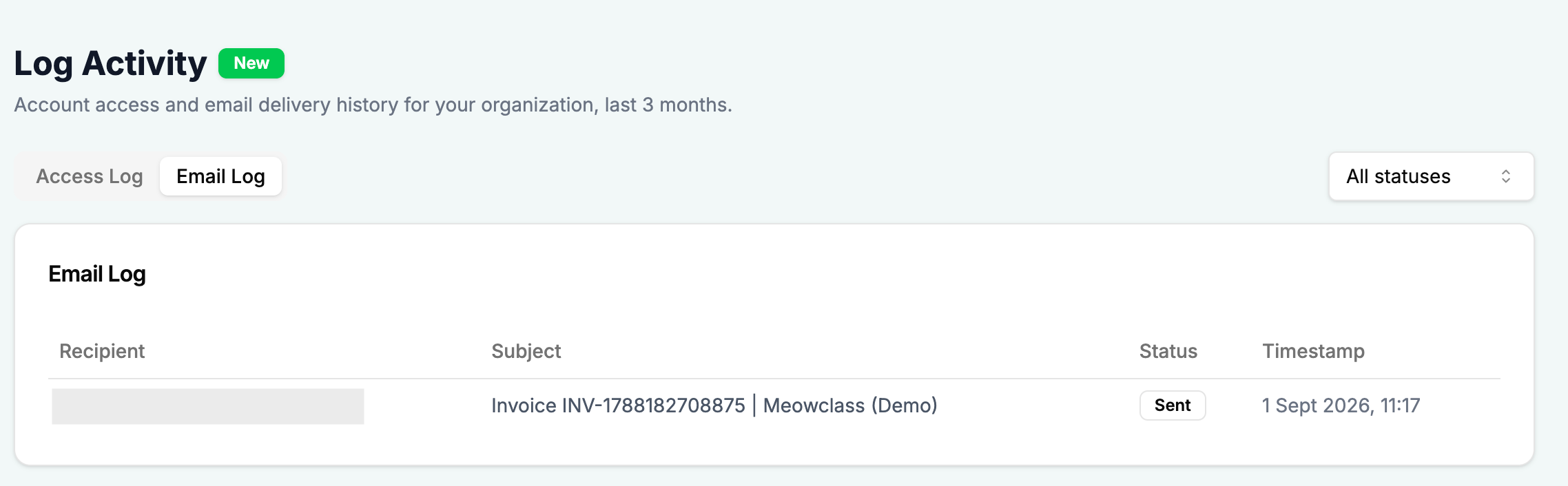
A new Log Activity page gives owners a complete, searchable record of what's happening in their account — visible only to you, the business owner.

  • Access Log — every login and role/permission change, with who did it and when.

  • Email Log — every email GoPet AI sends on your behalf (invoices, booking confirmations, staff invites, quotations, and more), with its delivery status: sent, delivered, delayed, or bounced.

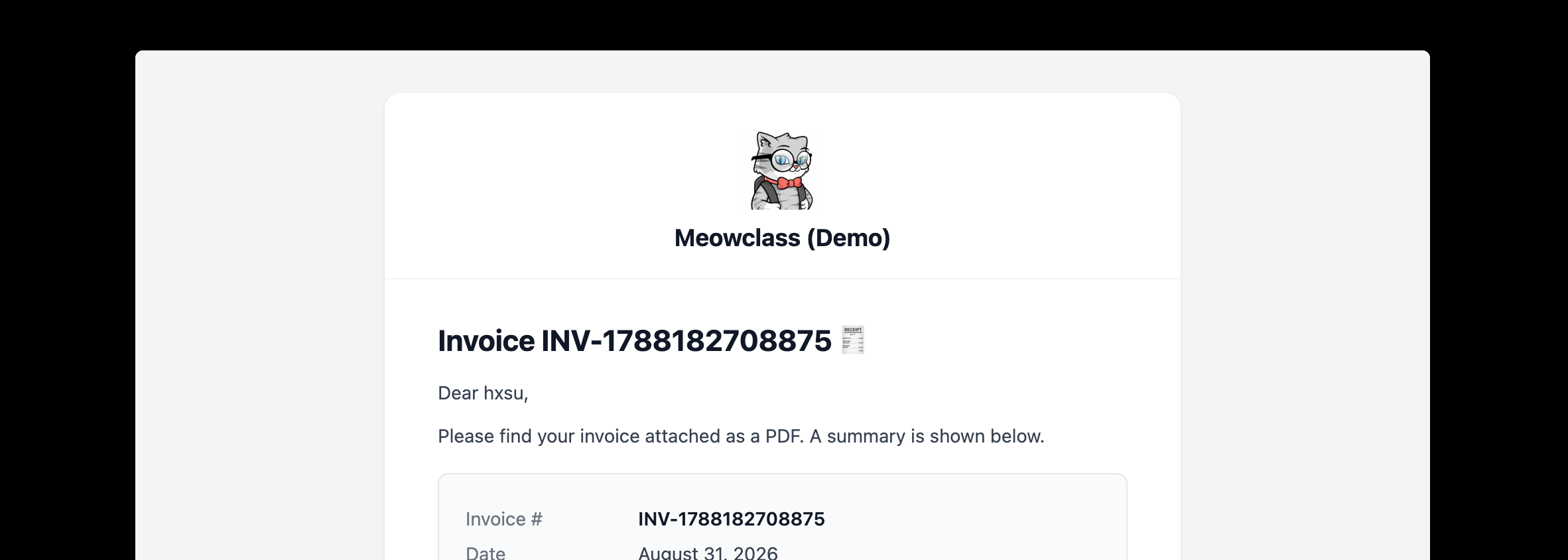
  • View exactly what was sent — click into any email and see the real content your customer received, no guessing required.

  • Bounced emails now also show up as a notification in your dashboard bell, so you don't have to go looking for delivery problems — we'll tell you.

Find it in your sidebar under Dashboard → Log Activity, right below Partner Circle.

✉️ Fixed: clearer help when an invoice email won't send

Previously, sending an invoice to a mistyped or bounced email address just threw a generic error — dead end. Now:

  • If an email looks incomplete or invalid, we tell you plainly and let you fix it on the spot.

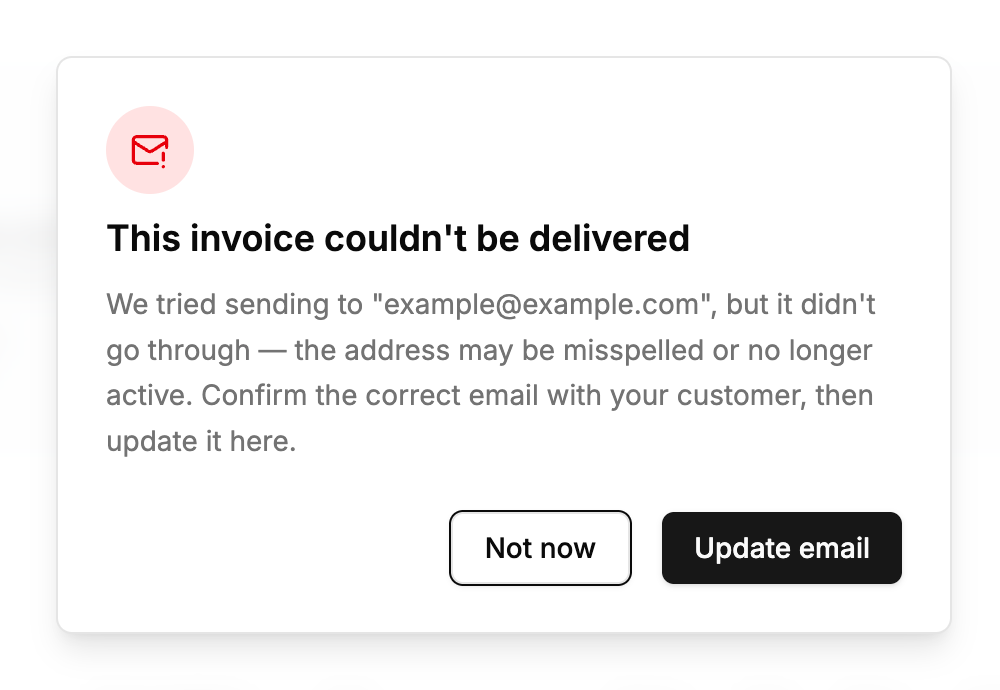
  • If delivery genuinely fails (bad address, bounced, no longer active), a popup explains what happened and gives you a one-tap Update email button that opens the customer's info right there.

With these updates, you get real visibility into your account's activity and a much smoother recovery path when an email doesn't go through. 🐾

New

Boarding Now Integrates with Google Calendar

Managing your boarding schedule just got easier.

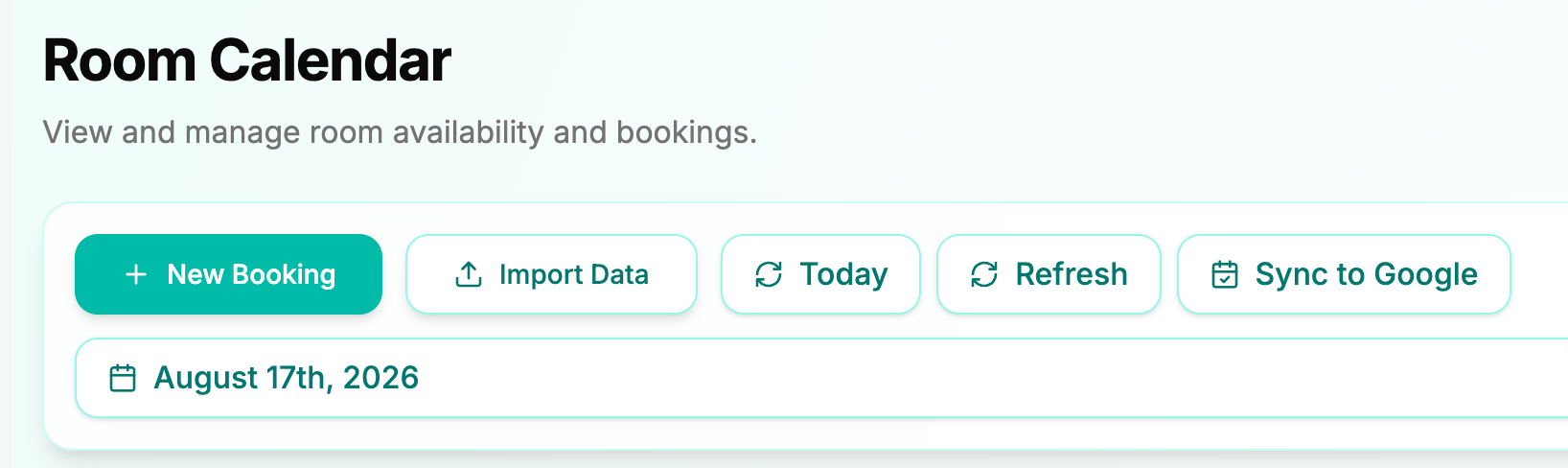
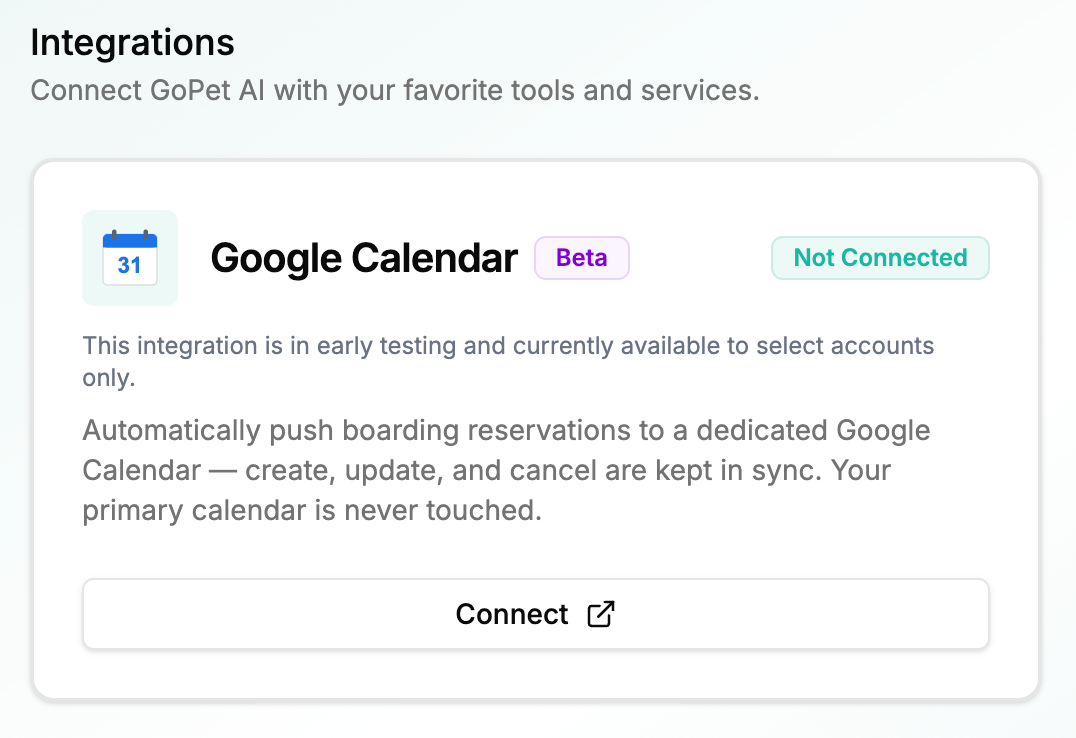
You can now sync your GoPet AI boarding bookings with Google Calendar and view your boarding schedule alongside your other events.

✨ What's New

  • 📅 Google Calendar integration for Boarding

  • 🔄 Auto-sync when a new boarding booking is created

  • 🔁 Manual sync whenever you need to refresh your calendar

  • 👀 View your boarding schedule directly in Google Calendar

⚠️ Current Limitations

This is our first version of the integration:

  • One organization can connect to one Google Calendar

  • Multiple individual calendars are not supported yet

  • Grooming calendar sync is not available yet

We're working on expanding the integration to support more flexible calendar setups.

Settings → Integrations → One connected boarding schedule. 🐾

New

Earlier updates