Add your QR payment to invoices (easy setup)
We’ve added a simple new feature to help you get paid faster 💸
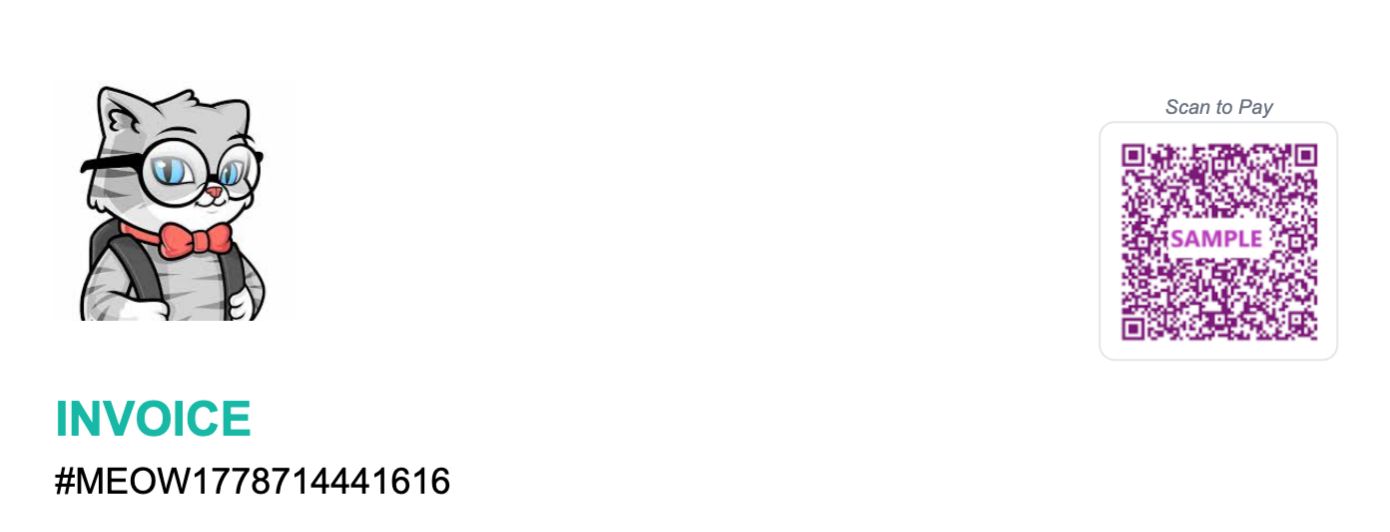
Now you can show your QR payment image directly on unpaid invoices.
How it works
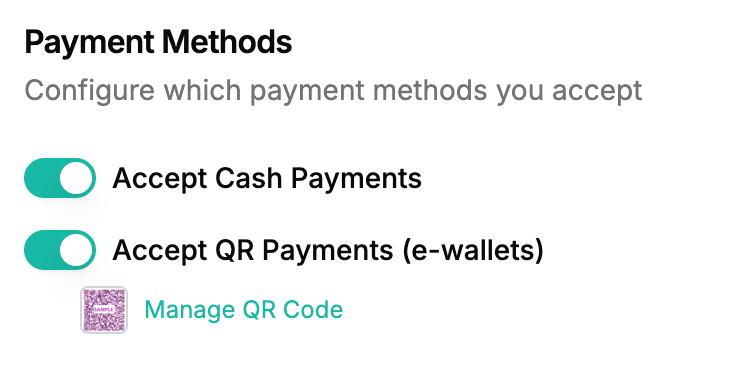
Go to your settings here: Payment Settings
Upload your QR payment image
Done 👍
Your QR code will automatically appear on unpaid invoices, so customers can easily scan and pay.
Important note
After a customer makes payment, you’ll still need to manually verify the payment and update the invoice status in the system for now.
We’re actively working on improving this experience so future updates can support automatic QR payment verification.