Stripe Integration Update with Invoice Payment
We’ve made important improvements to how Stripe works inside GoPetAI to give pet care businesses more flexibility and control over their payments.
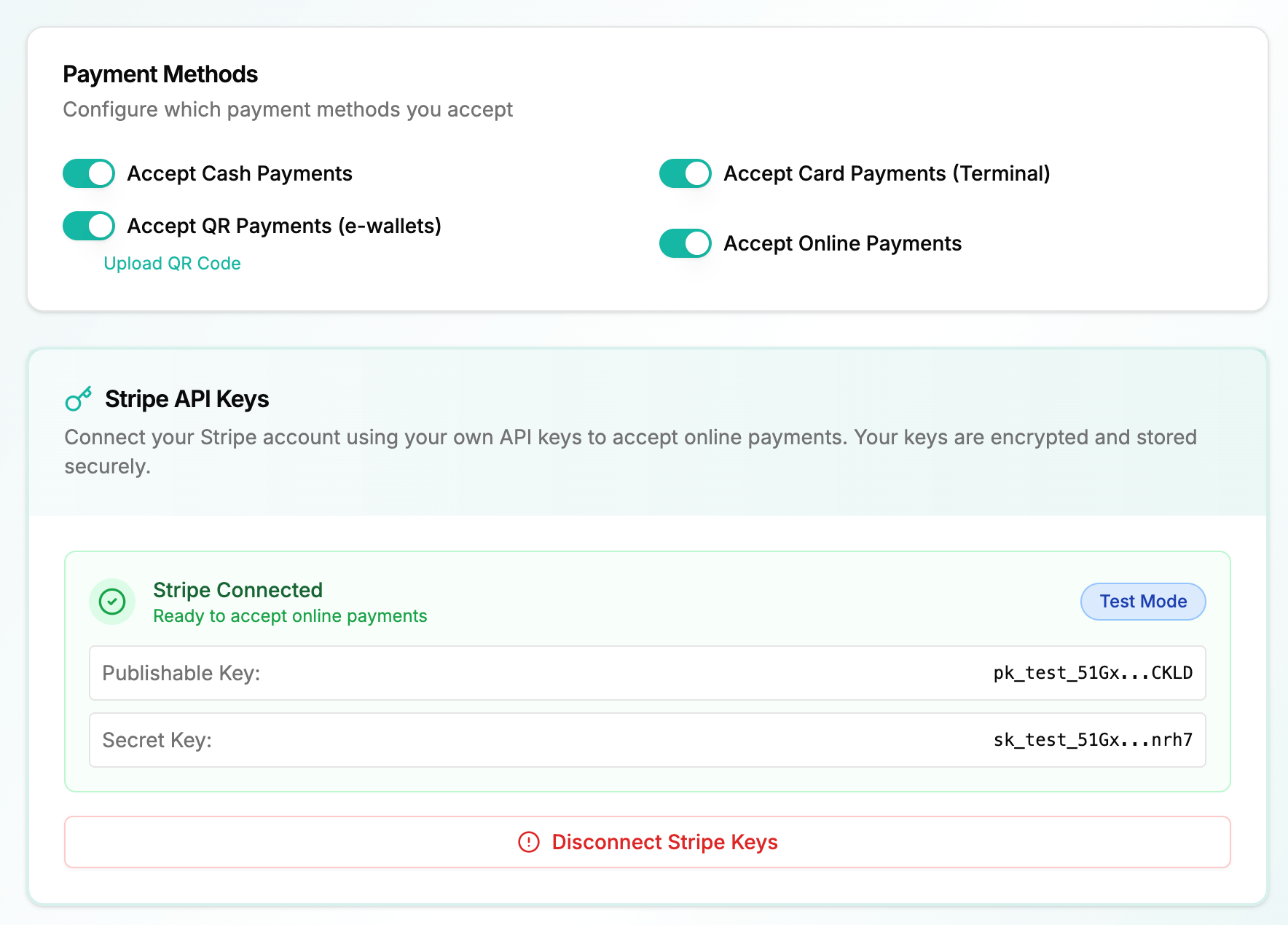
🔄 Stripe Connect Removed – Direct API Setup Required
We no longer use Stripe Connect.
Instead, pet care businesses now:
🔐 Log in directly to your Stripe Dashboard
🔎 Find or generate your API Keys (Publishable Key & Secret Key)
📋 Copy & paste the API keys into GoPetAI Settings
This gives you:
Full ownership of your Stripe account
Direct control over your payment configuration
Cleaner and more transparent setup
🧪 Test Mode Before Going Live
You can now choose to use:
🧪 Stripe Test API keys to simulate transactions
🚀 Switch to Live API keys when ready
This allows you to:
Test invoice payment flow
Ensure everything runs smoothly
Train your team before activating live payments
Go live only when you’re fully confident 💪
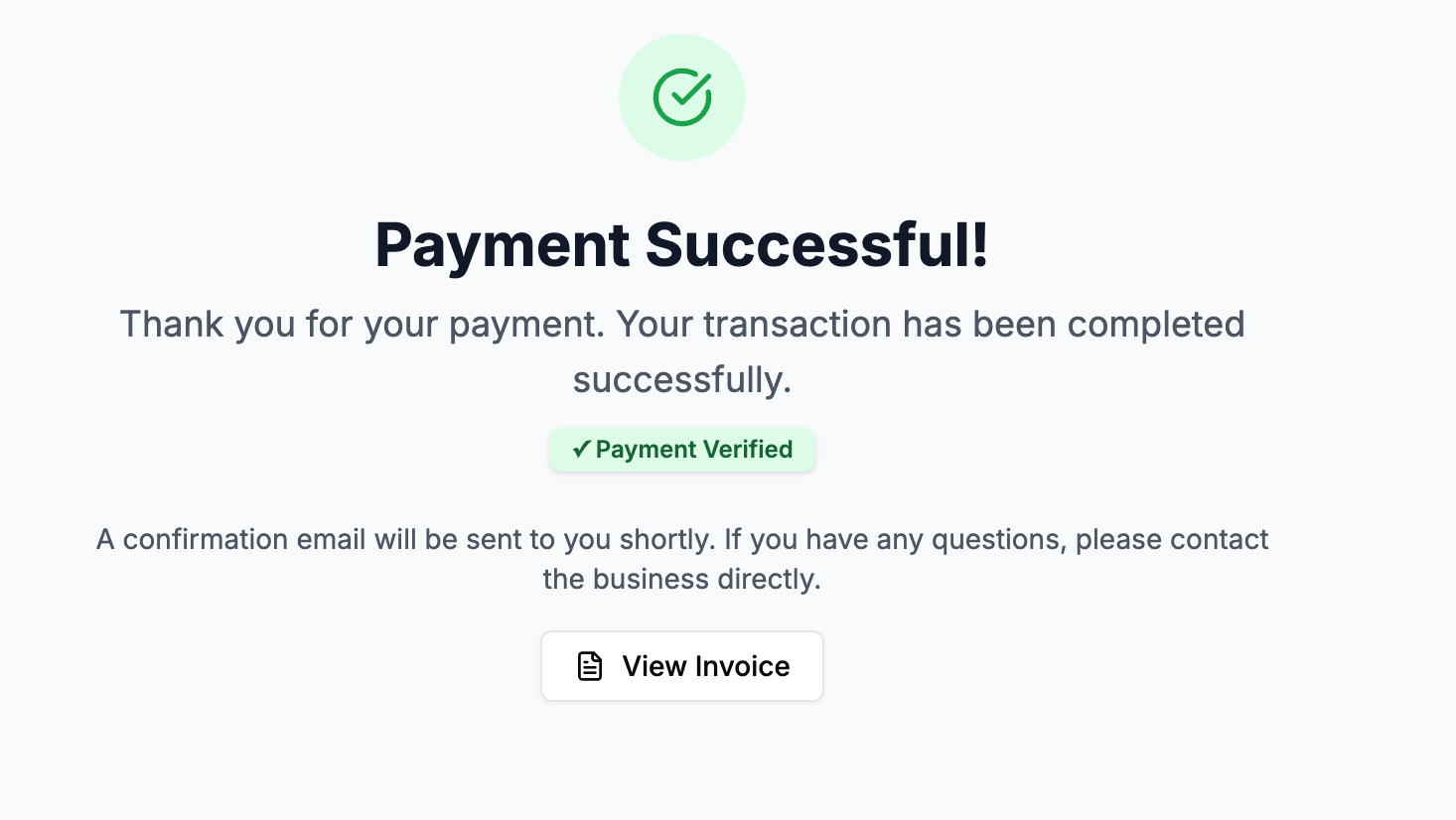
🧾 Invoice Auto-Update After Payment (Improved)
We’ve also fixed and enhanced the Stripe invoice payment function:
💳 When a pet parent completes payment via Stripe
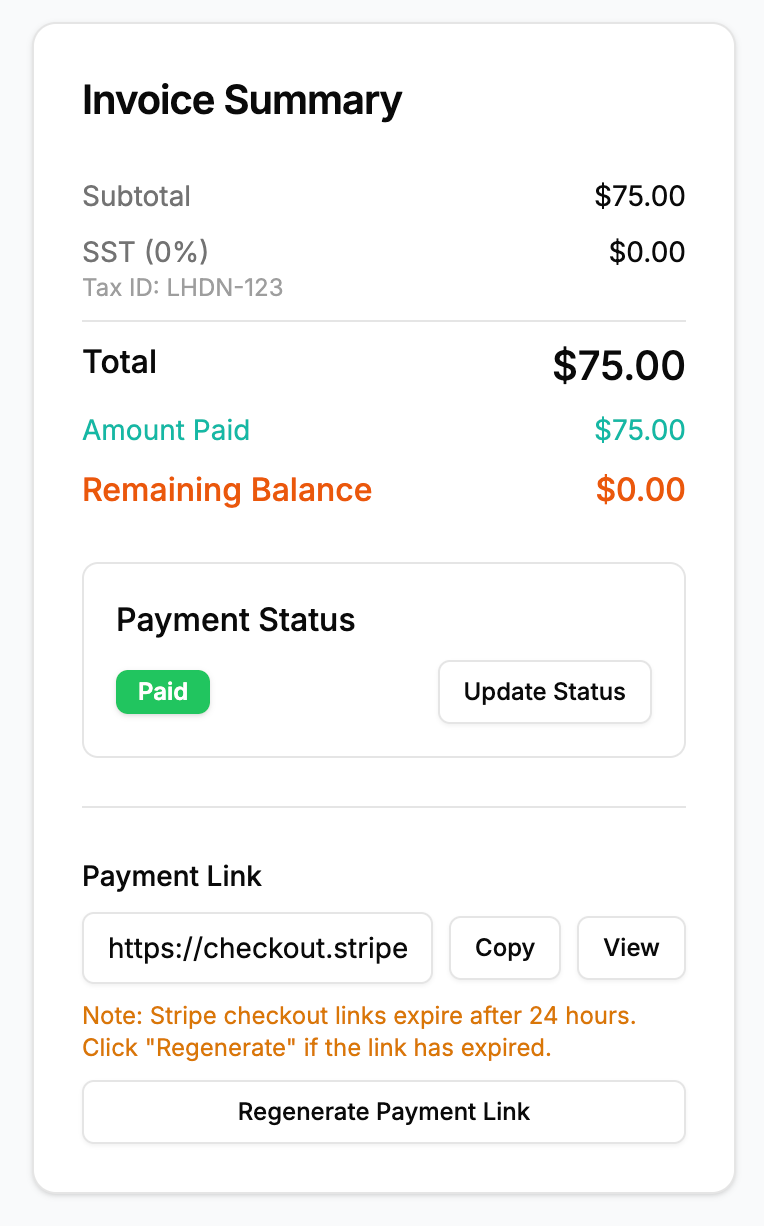
⚡ Invoice automatically updates to Paid
🔄 Real-time sync between Stripe and GoPetAI
❌ No more manual status updates
This helps reduce cashier errors and keeps your reports accurate.
🎯 Why This Update Matters
More flexibility & control
Safer testing environment
Better accounting accuracy
Less manual work for staff
Smoother experience for pet parents 🐾
If you need help locating your Stripe API keys or setting up test mode, just reach out — we’ll guide you step by step.