You can now install GoPet AI like an app 📲
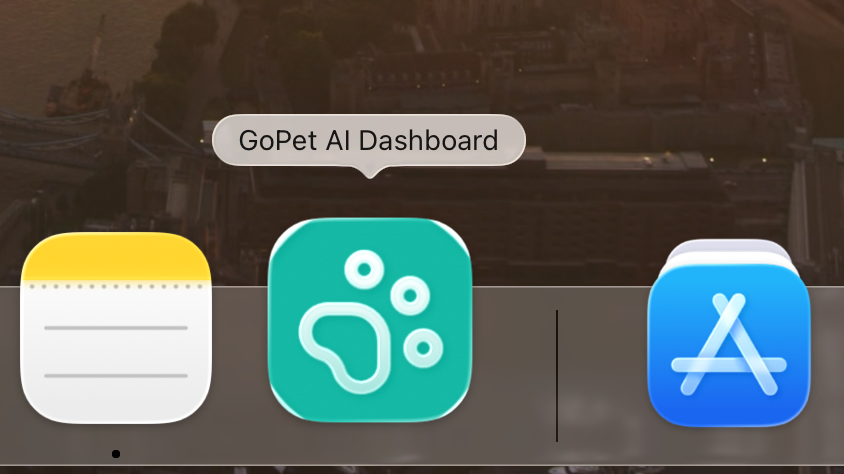
Good news — you don't need to keep a browser tab open (or hunt for a bookmark) to use GoPet AI anymore. You can now install it like a regular app, straight to your phone's home screen or your computer's desktop.
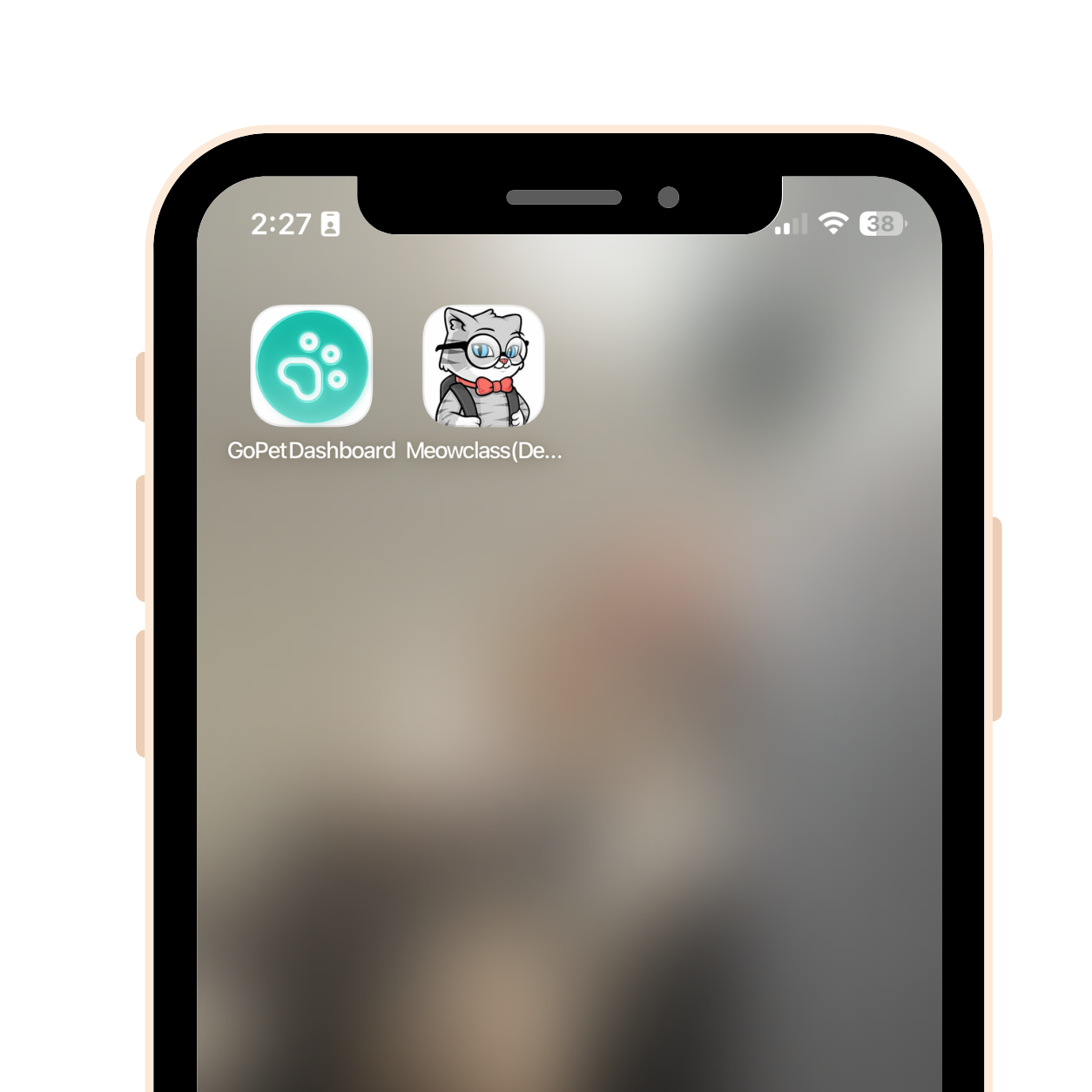
Here's what's new:
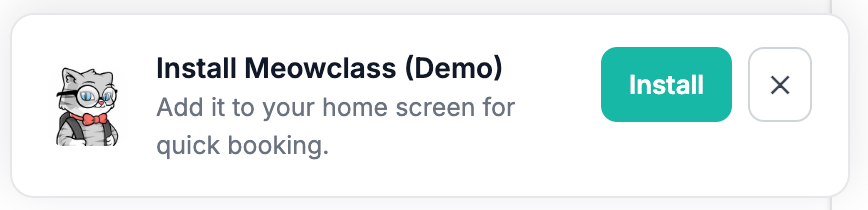
One-tap install. Head to your dashboard, the admin console, or your booking page, and you'll see a little prompt asking if you want to install. Say yes, and boom — you've got a real icon, opens full-screen, no browser clutter.
Your booking page, your brand. If your customers install your booking page, they'll see your business name and logo on their home screen — not ours. It's your app, basically.
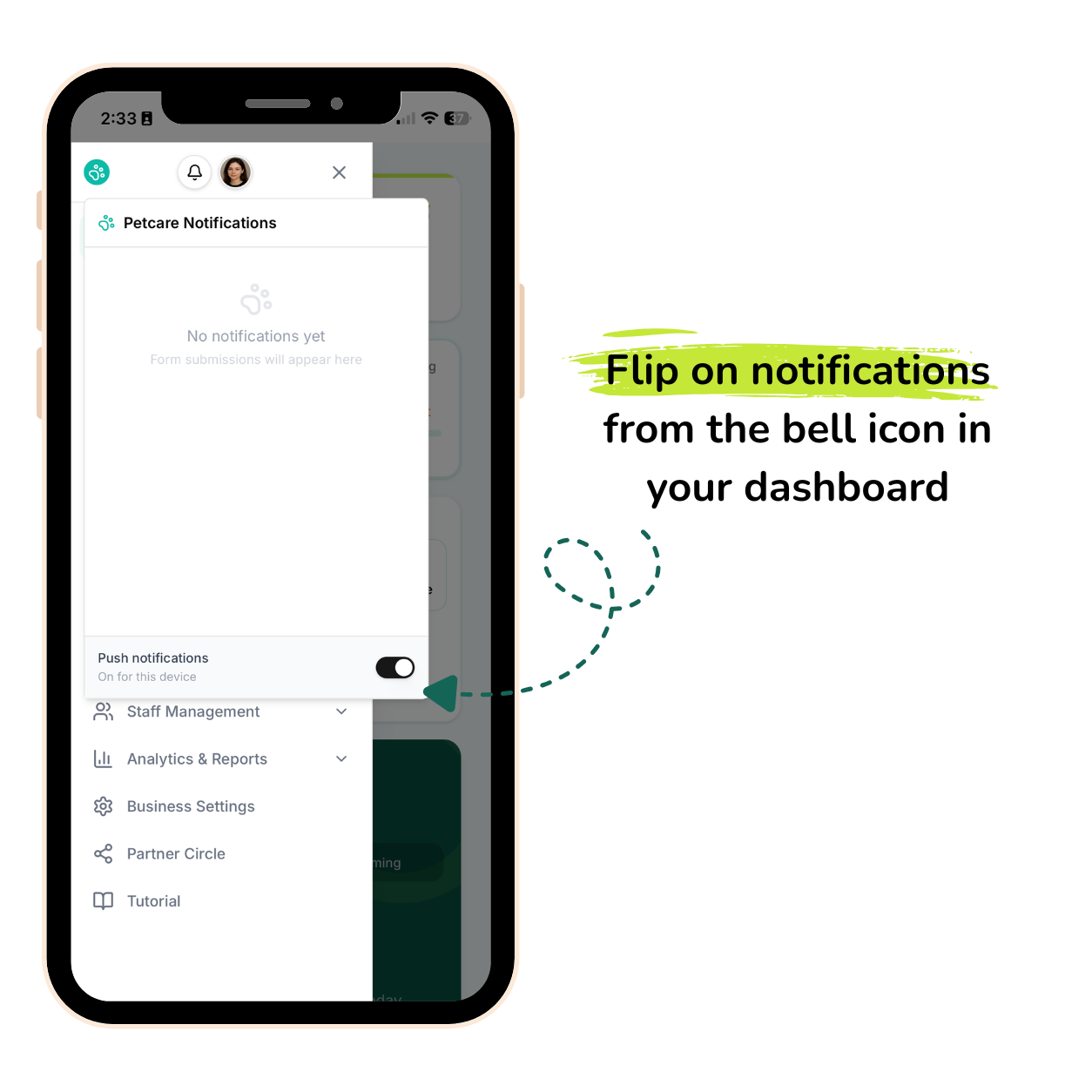
Notifications that actually reach you. Flip on notifications from the bell icon in your dashboard and you'll get pinged the second a new form comes in or someone checks into your queue — even if the app's closed. No more refreshing the tab every five minutes.
A bit more forgiving on bad Wi-Fi. If a customer's connection drops mid-upload while sending a pet photo or vaccination doc, we'll quietly retry it in the background once they're back online instead of just losing it.
Heads up on offline use: you'll still need internet for bookings, payments, and most of the everyday stuff — that part isn't offline yet. What's live today is the install experience, notifications, and those smarter retries for photo/document uploads. Full offline mode is something we're looking into down the road.
Give it a try and let us know what you think! 🐾